Contact Us

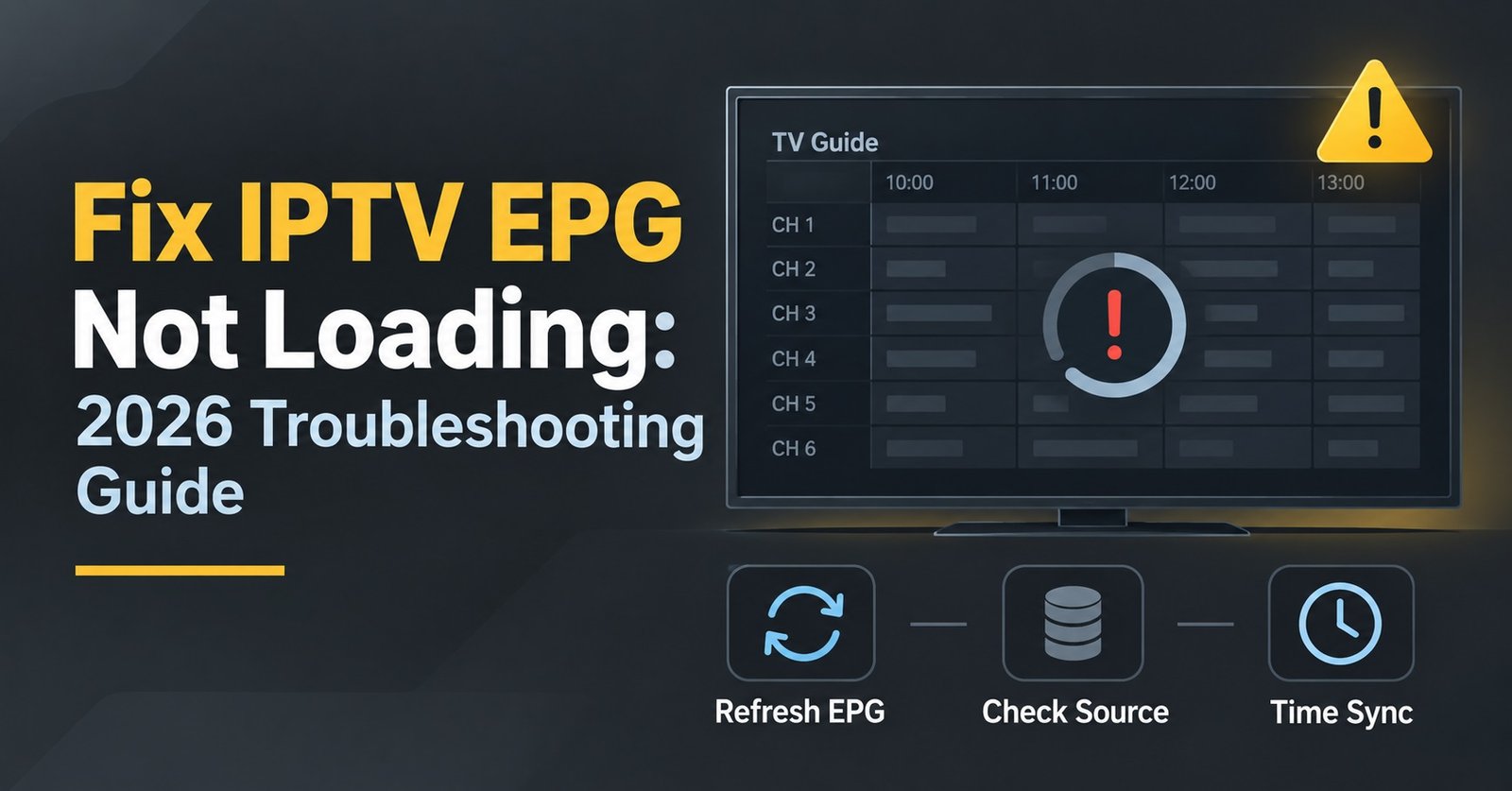
Fix IPTV EPG Not Loading: 2026 Troubleshooting Guide
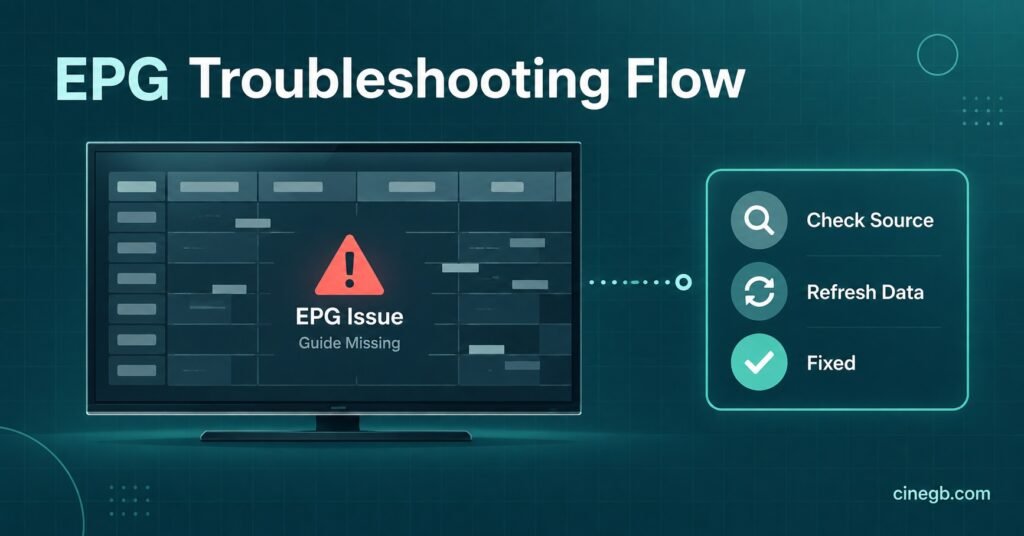
Fix IPTV EPG Not Loading by working through five common causes before assuming your subscription is broken, because most missing programme guide data comes down to buffering time, app cache, or a delayed IPTV provider feed rather than an account fault. The guide itself sits on a different data stream to the actual video, so it’s entirely possible to watch perfectly clear channels while the on-screen schedule stays blank or frozen on yesterday’s listings.
Why the EPG Behaves Differently to the Video Feed
The electronic programme guide, usually shortened to EPG, is a separate package of scheduling data that your IPTV app downloads and stores locally. It doesn’t stream continuously like a channel does. Instead, the app pulls a fresh batch of listings at set intervals, sometimes every few hours, sometimes once a day depending on how the provider’s backend is configured. When that download stalls, gets interrupted, or simply hasn’t run yet since you installed or reset the app, you end up with live channels working fine while the guide sits empty or shows old data.
This distinction matters because it changes where you should start looking. A channel that won’t play at all usually points to an account or connection problem. A channel that plays but shows no guide information almost always points to the EPG download itself, not the stream.
Start With the Fastest Checks
Before working through anything more involved, run through the checks that take under a minute each. They resolve the guide going missing more often than people expect, mostly because the EPG file is larger than a single channel’s stream data and more sensitive to interruption.
- Confirm the app has fully loaded and isn’t still showing a loading spinner on the home screen
- Switch to a different channel and back again, which sometimes forces a guide refresh
- Check the time and date settings on your device, since a wrong system clock will misalign or hide guide entries
- Restart the app completely rather than just backgrounding it
If none of those bring the guide back within a minute or two, the cause is likely sitting a level deeper.
Fix IPTV EPG Not Loading With This Five Step Sequence
Once the quick checks are ruled out, work through these five steps in order. Each one addresses a specific point where the guide data can fail to reach your screen.
First, clear the app’s cache rather than reinstalling straight away. Most IPTV player apps store the last successful EPG download locally, and a corrupted cache file is one of the more common reasons the guide freezes on old data or refuses to populate at all. Clearing cache forces the app to request a fresh copy on next launch.
Second, check your connection speed and stability rather than just whether pages load. EPG files can run into several megabytes depending on how many days of listings the provider includes, so a connection that’s fine for video but prone to short drops can still fail to complete a guide download. checking your connection against realistic IPTV requirements is worth doing if this keeps happening rather than being a one-off.
Third, confirm the app itself is current. Player apps update their EPG parsing logic fairly often, and an outdated version can misread a provider’s feed format even when the download completes successfully. If you’re unsure which app handles guide data most reliably on your device, it’s worth comparing options rather than assuming the one you picked first is the best fit.
Fourth, rule out a provider-side delay. EPG feeds are generated and pushed out by the IPTV reseller panel provider, not by your player app, so if the underlying source hasn’t updated its listings, no amount of troubleshooting on your end will produce data that doesn’t exist yet. This is more common after a provider changes its channel lineup or migrates servers.
Fifth, if you’re on a device with limited storage or memory, such as an older Firestick or a budget Android box, check that the app has enough free space to store the guide file. EPGs get silently truncated or skipped on devices running close to their storage limit.
Pro tip: Set your player app to auto-refresh the EPG overnight rather than on launch, so the download has time to complete on a quiet connection instead of competing with active streaming.
Symptom | Likely Cause | What To Do
| Symptom | Likely Cause | What To Do |
|---|---|---|
| Guide blank on all channels | Corrupted cache or failed download | Clear app cache and relaunch |
| Guide shows yesterday’s schedule | Refresh interval hasn’t triggered yet | Force refresh or restart app |
| Guide loads for some channels only | Provider feed gaps for specific channels | Wait for provider update or contact support |
| Guide never loads on one device only | Storage or outdated app version | Update app or check free storage |
When the Problem Sits With Multiple Devices
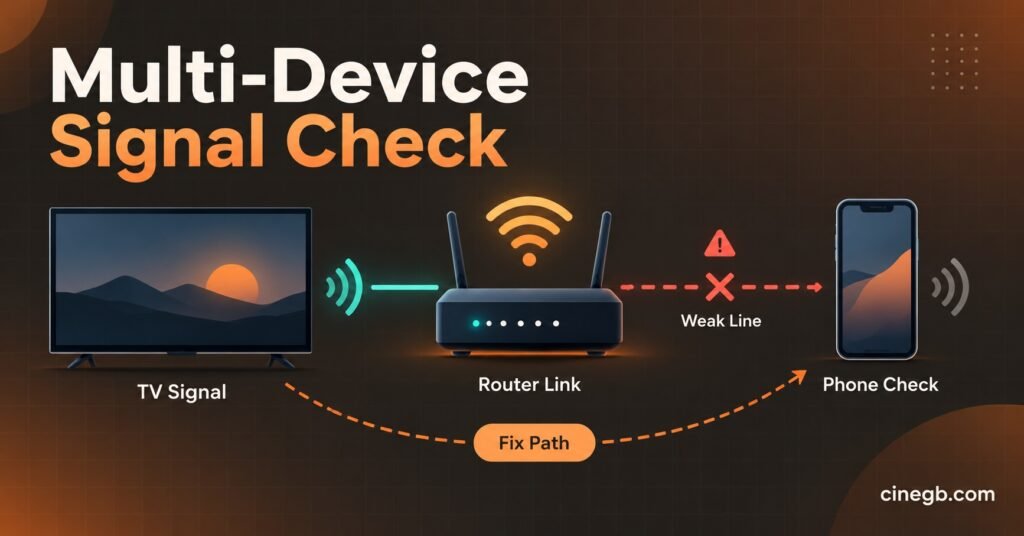
If the EPG fails to load across every device you use, from your Smart TV to your phone, that pattern points away from any single app or piece of hardware and towards either your home network or the provider’s feed. Test this by connecting one device directly to your router with an ethernet cable if possible, bypassing Wi-Fi entirely. If the guide loads that way, the issue is network congestion rather than the provider. If it still doesn’t load, the fault sits further upstream and the sensible next step is contacting support rather than continuing to troubleshoot blind.
Pro tip: Note the exact time the guide stopped updating before you contact support. Providers can often check their feed logs against that timestamp far faster than working from a vague “it’s not working” report.
Why This Matters More on Multi-Device Households
Households running several streams at once put extra strain on the same connection that’s trying to pull EPG data, particularly if multiple people are switching channels and triggering guide refreshes simultaneously. This isn’t usually a fault with the subscription itself so much as a bandwidth allocation issue, and it’s a separate consideration to how multiple connections affect the same IPTV account, which covers the broader picture of running more than one stream at a time.
Pro tip: If you manage more than one IPTV account across a household, stagger app launches by a minute or two rather than opening them all at once, since simultaneous EPG requests are more likely to time out than sequential ones.
Quick Troubleshooting Checklist
- Restart the app before doing anything else
- Check the device’s date and time settings
- Clear the app cache, not just the app data
- Confirm the app is on its latest version
- Test on a second device to isolate the fault
- Switch to a wired connection briefly to rule out Wi-Fi
- Contact support with a timestamp if the issue persists past 24 hours
Frequently Asked Questions
Why does my IPTV guide show the wrong times?
This usually points to a time zone mismatch between the provider’s feed and your device’s system clock rather than a fault with the guide itself. Checking your device’s date and time settings, including automatic time zone detection, resolves this in most cases.
Does a VPN affect EPG loading?
It can, particularly if the VPN server you’re connected to routes traffic through a region with slower peering to the provider’s EPG servers. If the guide loads without a VPN but not with one, try switching to a different VPN server location before assuming the fault lies elsewhere.
Will reinstalling the app fix a missing EPG?
Sometimes, but it’s a heavier step than necessary in most cases. Clearing the existing cache achieves the same result for the majority of EPG faults without losing any saved settings or favourites.
How long should an EPG take to load after installing an app?
This varies by provider and by how many days of listings are included in the feed, but most guides populate within a few minutes of a stable connection being established. If it’s been longer than fifteen minutes with no change, treat it as a fault rather than a normal delay.
Can an outdated device cause EPG problems specifically?
Yes. Older streaming boxes with limited RAM sometimes struggle to parse larger guide files even when everything downloads correctly, which shows up as a guide that partially loads or crashes the app when opened.
Conclusion
Most of the time, you can fix IPTV EPG Not Loading without touching your subscription at all, since the guide runs on a separate data pull to the actual video stream and fails for its own set of reasons: a stale cache, an interrupted download, a IPTV Panel provider feed delay, or a device running low on storage. Work through the fast checks first, move on to clearing cache and confirming your app version, and only treat it as a provider-side fault once you’ve tested on more than one device. If the guide still won’t populate after that, contacting support with a clear timestamp will get it resolved far faster than continuing to guess.