Contact Us

The Complete Smart IPTV Guide for UK and European Viewers in 2026
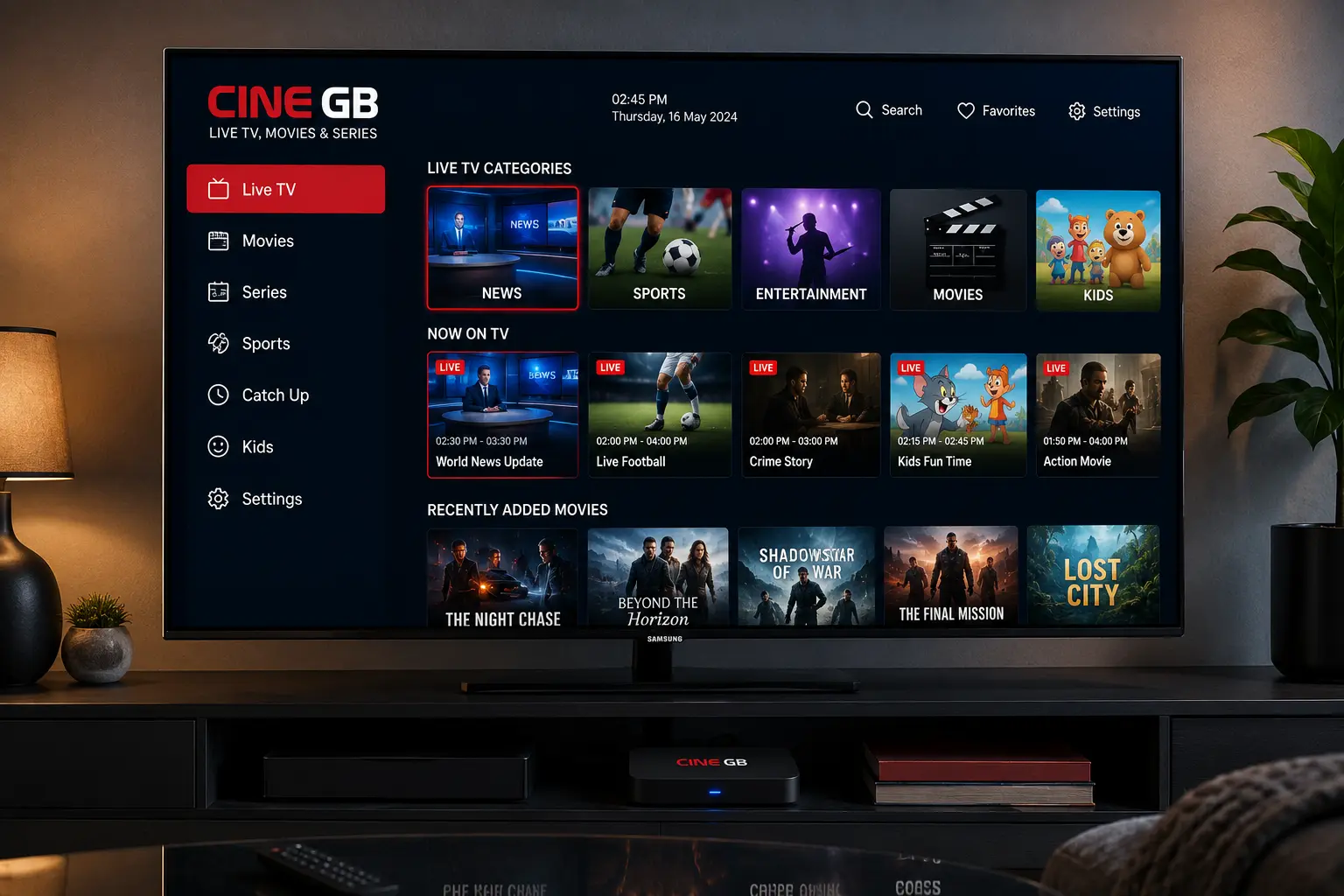
Half the confusion around this topic comes from people using terms loosely, so let’s clear that up first. Smart IPTV is an app, most commonly found on Samsung and LG smart televisions, that lets you stream live channels and on-demand content through your internet connection rather than a satellite dish or cable box. It works by loading an M3U playlist, a structured list of channel URLs supplied by your subscription provider.
There’s no physical receiver box in the traditional sense. Your smart TV becomes the receiver, and the content arrives as data rather than a broadcast signal. That single shift, from signal to data, is what makes the whole category possible.
Smart IPTV technically refers to the branded app of that name, though people often use the phrase to describe the entire category of internet-streamed television. That distinction matters less to viewers than the practical question: does it deliver the channels you actually watch, reliably, without the picture freezing every ten minutes?
Why Smart IPTV Has Grown So Quickly
Ask anyone who cancelled their satellite subscription in the last few years why they did it, and you’ll hear a familiar story. Prices kept climbing. Contracts felt punishing. Smart IPTV offered a way to access sports, international channels, and box sets through a single interface without the installation hassle.
There’s a demographic pattern worth noting too. Expat and migrant communities across the UK and Europe have long relied on IPTV services to watch channels from their home countries, something traditional broadcasters rarely package well. A Polish football fan living in Manchester, or a family wanting Urdu-language news alongside British channels, found smart IPTV solved a genuine gap that mainstream providers never filled.
Streaming infrastructure has also matured. According to Ofcom’s own connectivity reports, average UK broadband speeds have risen steadily year on year, and that improvement alone has reduced the buffering complaints that plagued early IPTV setups. It’s not a coincidence that adoption has tracked closely with better home connections.
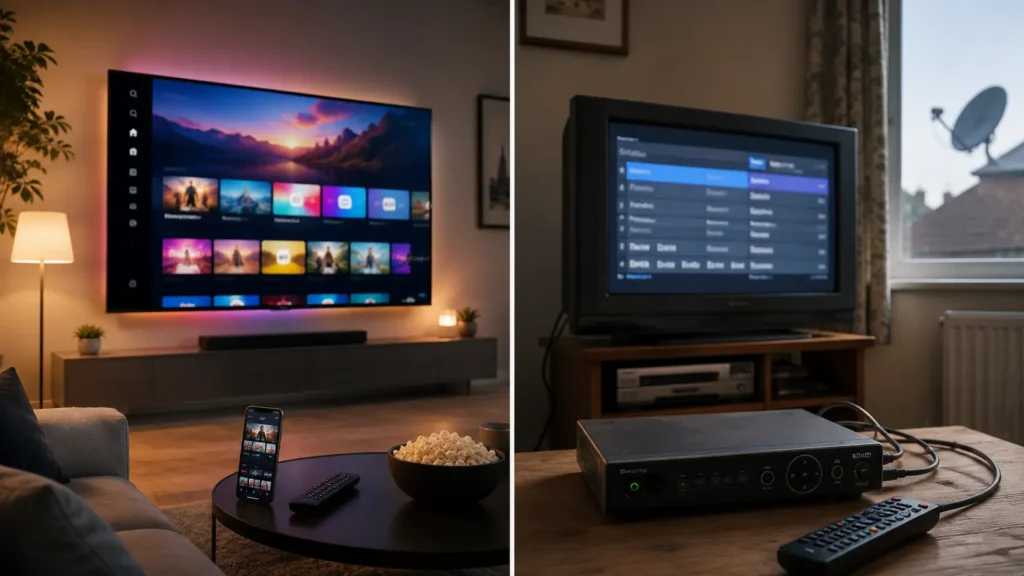
Smart IPTV vs Traditional Cable: The Honest Comparison
This is where I’ll push back on the marketing hype you see everywhere. Smart IPTV isn’t automatically better than cable or satellite in every scenario, and pretending otherwise does readers a disservice.
Where smart IPTV tends to win:
- Flexibility to watch on multiple device types without extra hardware rental fees
- Access to international and niche channels rarely bundled by UK broadcasters
- Typically lower monthly cost compared to premium cable packages
- No lengthy contracts with most reputable providers
Where traditional cable still holds an edge:
- Guaranteed signal stability regardless of your home broadband quality
- Simpler customer support structures backed by established telecom companies
- No dependency on router performance or ISP throttling during peak hours
If your broadband connection is patchy, smart IPTV will expose that weakness fast. Plenty of households blame the provider when the actual bottleneck is a router tucked behind a fridge on the far side of the house. It’s worth ruling that out before you commit to anything.
Setting Up Smart IPTV on Your Devices
Getting started is simpler than most people expect, though the steps vary slightly depending on your hardware.
- Download the Smart IPTV app from your TV’s app store, or install it via a compatible device like a Firestick or Android box
- Note down the MAC address the app generates, since providers use this to activate your subscription
- Purchase a subscription from your chosen provider and send them the MAC address
- Receive your activation confirmation, usually within a few hours
- Restart the app and your channel list should populate automatically
Samsung and LG televisions handle activation slightly differently, so check your specific model’s compatibility before purchasing. Some older TV models cap out at outdated app versions that no longer support certain playlist formats, which catches people out more often than you’d think.
For those without a compatible smart TV, devices like the Amazon Firestick, NVIDIA Shield, or a basic Android TV box provide a straightforward workaround. An IPTV reseller panel often provides setup guidance tailored to whichever device you’re using, which can save a fair bit of trial and error for first-time subscribers.
The Legal Grey Zone Nobody Talks About
Here’s the part most articles gloss over, and that’s a disservice to readers trying to make an informed choice. IPTV as a technology is legal. Streaming licensed content through a provider that holds proper broadcasting rights is no different from using a service.
The trouble comes when providers stream copyrighted content without the rights to distribute it. Rights holders and enforcement bodies have increased scrutiny in this area over recent years. The reported on UK court cases involving individuals running unauthorized IPTV operations at scale, with penalties ranging from fines to custodial sentences depending on the size of the operation.
So how do you protect yourself as a viewer? Stick with providers who are transparent about their licensing, treat unusually cheap premium sports packages as a red flag, and pay attention to how a provider markets itself. None of that guarantees complete safety, since licensing arrangements aren’t always publicly visible, but it meaningfully reduces your exposure.
Choosing a Reliable Smart IPTV Provider
Not all smart IPTV services are created equal, and this is genuinely where most disappointment comes from. A provider might advertise thousands of channels yet deliver a buffering mess the moment more than a handful of subscribers watch a football match at the same time.
Server capacity matters more than channel count. A provider offering 8,000 channels on overloaded servers will disappoint you faster than one offering 2,000 channels on properly maintained infrastructure. Ask about server locations and redundancy before signing up, particularly if live sport is a priority for you.
Customer support responsiveness tells you a lot too. Message a provider before purchasing and see how quickly they respond. If pre-sales support is slow, post-sales support will usually be worse.
Trial periods are worth insisting on. Any provider confident in their service should offer a short trial, whether that’s a few hours or a full day, so you can test stream stability on your own network before committing to a longer plan.
For a deeper breakdown of pricing, reliability, and regional coverage, our guide to the Best IPTV Subscription for UK & Europe in 2026 compares providers in far more depth than we can cover here.
Common Smart IPTV Problems (And How to Fix Them)
Even with a solid provider, smart IPTV setups run into occasional hiccups. Most are fixable without any technical expertise.
Buffering during peak hours usually points to either your own connection speed or an overloaded server on the provider’s end. Running a speed test during a buffering episode tells you which side of that equation you’re dealing with.
App crashes on smart TVs often stem from outdated firmware. Checking for a software update on the TV itself, separate from the app, resolves this surprisingly often.
Channel lists failing to load typically means the M3U playlist link has expired or the provider’s server is temporarily down. That isn’t always a sign of a bad provider. Even reliable services experience occasional outages, though how quickly they communicate and resolve the issue tells you a lot about overall quality.
How Much Speed Does Smart IPTV Actually Need?
There’s no single number that applies to every household, whatever some providers claim. Requirements shift depending on stream resolution, the compression standard your provider uses, and how many devices are streaming at once.
As a rough baseline, standard definition streams run comfortably on lower speeds, while HD streams generally need somewhere in the 15 to 25 Mbps range for stability. A household running two smart IPTV streams simultaneously, say a football match in one room and cartoons in another, should budget meaningfully higher than that to avoid one stream starving the other. Wired ethernet connections consistently outperform WiFi for this kind of sustained streaming load, particularly during peak evening hours when everyone else on your street is online too.
Is Smart IPTV Worth It in 2026?
This isn’t a simple yes or no, because it genuinely depends on your household’s habits. If you watch a narrow range of mainstream UK channels and rarely stray beyond them, a standard streaming bundle might serve you just as well without the setup fuss.
But if your household wants international channels, a wide sports catalogue, or on-demand content spanning multiple regions, smart IPTV offers a breadth that traditional providers simply can’t match at a comparable price point. That’s the trade-off in a nutshell: broader access in exchange for a bit more setup involvement and diligence in choosing a provider you can trust.
Would I recommend it to everyone? No, not universally. Would I recommend it to someone frustrated with rigid cable contracts and a narrow channel selection? Almost certainly, provided they do their homework on provider reliability first.
Frequently Asked Questions
Is smart IPTV legal to use in the UK?
The underlying technology is legal, and using a properly licensed provider is no different from using an official streaming app. Problems arise specifically when providers stream copyrighted content without authorization. Choosing transparent, established providers significantly reduces legal risk for viewers.
What devices support smart IPTV?
Smart IPTV works natively on most Samsung and LG smart televisions through its dedicated app. It also runs well on Android boxes, Amazon Firestick devices, and NVIDIA Shield hardware. Older smart TV models sometimes lack compatibility, so check your model beforehand.
How much internet speed do I need for smart IPTV?
Requirements depend on resolution, compression, and how many devices stream at once, but HD viewing generally needs somewhere in the 15 to 25 Mbps range. Households streaming on multiple devices simultaneously should budget higher to avoid competing bandwidth demands. Wired connections tend to outperform WiFi for consistency during peak hours.
Why does my smart IPTV app keep buffering?
Buffering usually comes down to either your home broadband speed or server load on the provider’s side. Running a speed test during buffering helps identify which one is the culprit. Switching to a wired ethernet connection often resolves persistent buffering issues.
How do I know if a smart IPTV provider is trustworthy?
Look for providers offering trial periods, responsive customer support, and transparency around their server infrastructure. Treat unrealistically cheap premium sports packages as a warning sign. Reading independent reviews and testing stream stability before committing to a longer subscription plan is always worthwhile.