Contact Us

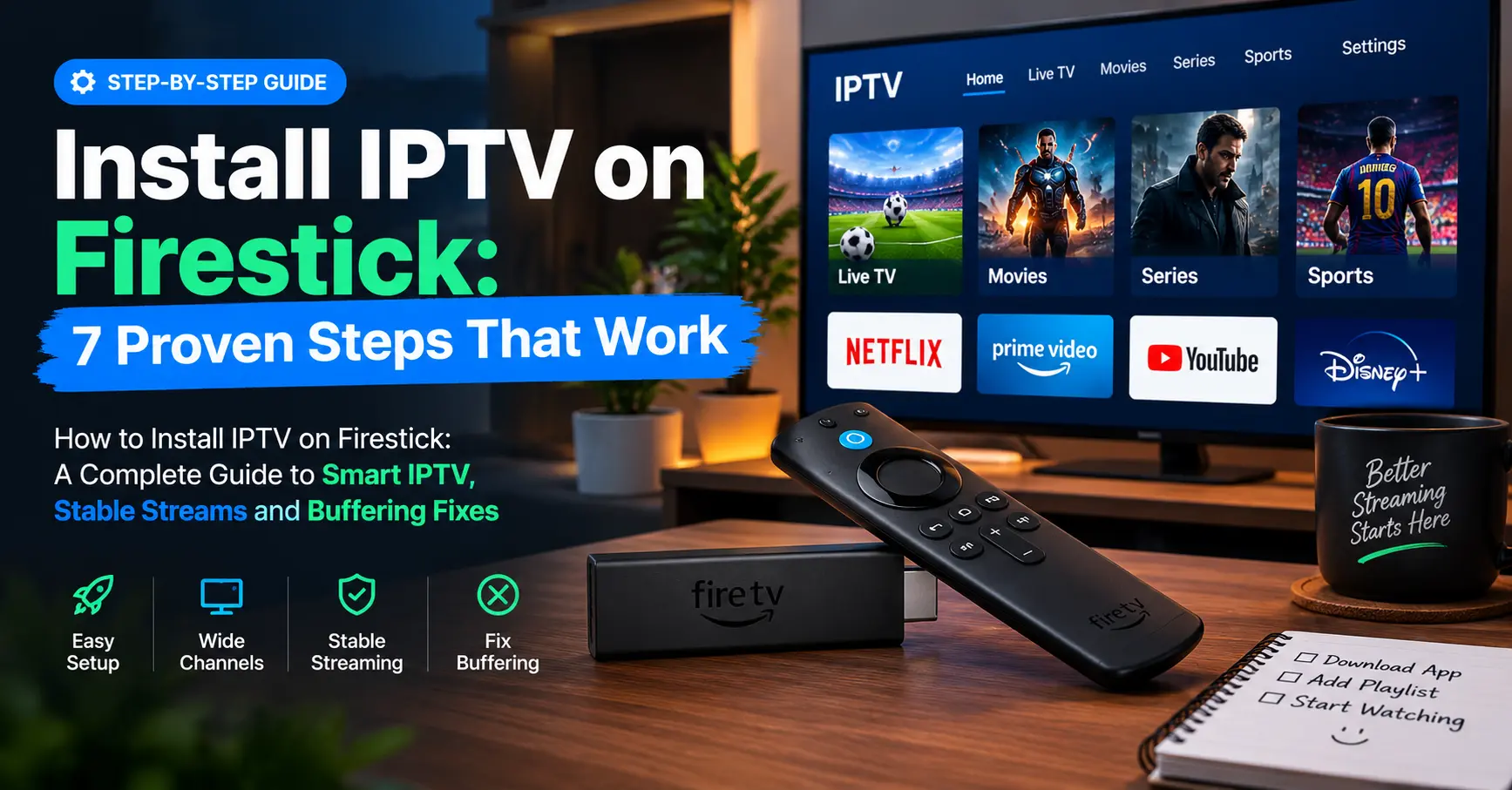
How to Install IPTV on Firestick: A Complete Guide to Smart IPTV, Stable Streams and Buffering Fixes
Picture this: it’s ten minutes before kick-off, the family is crammed onto the sofa, and the picture freezes into a mosaic of grey squares. I’ve lived that moment more often than I’d like to admit. After years of testing streaming kit, I can tell you that most of those disasters start with a rushed setup, not a faulty stick.
Over the past fifteen years I’ve configured well over a hundred Fire TV devices for friends, family and the occasional bewildered neighbour. The process isn’t difficult. It just rewards patience and punishes shortcuts, which is why I wrote this guide on how to install iptv on firestick properly the first time.
Let me be upfront about one thing. IPTV simply means television delivered over the internet instead of through an aerial or a satellite dish. The technology is perfectly legitimate, and plenty of licensed services use it, including BBC iPlayer, ITVX and the many regional broadcasters in the Amazon Appstore.
What follows is a mix of hands-on steps, honest opinion and a few warnings. Not everything here suits every household. Where something is a trade-off, I’ll say so, and I’ll show you exactly how to install iptv on firestick from a blank home screen to your first working channel.
What You Need Before You Install IPTV on Firestick
Preparation saves more time than any clever trick. Before you pick up the remote, gather these basics and tick them off.
- A Fire TV Stick (Lite, standard, 4K or 4K Max) with some free storage
- A broadband connection of around 10 Mbps for HD and 25 Mbps for 4K, in line with the guidance on Netflix’s help pages
- An Amazon account signed in on the device
- A subscription from a provider that holds proper broadcast rights, plus the login details or playlist link they send you
- Ten spare minutes and a decent cup of tea
Storage catches people out. The Lite model has very little room once the system has taken its share, so clear out apps you never use before you install iptv on firestick, or the download may fail halfway through.
Wi-Fi matters just as much. I once spent an entire evening blaming a provider for buffering, only to discover the stick was wedged behind a telly and boxed in by metal. The short HDMI extender that comes in the box fixed it in thirty seconds.
Run a speed test from the sofa, not from next to the router. Ookla’s Speedtest app is free on Fire TV and gives you a realistic number. If you’re under 15 Mbps in the room where you actually watch, consider a wired Ethernet adapter.
Is the Firestick Even the Right Device?
Honestly, a Firestick isn’t the only way to watch IPTV, and it isn’t always the best. Android TV boxes such as the Nvidia Shield offer far more power, and smart TVs from Samsung and LG run their own player apps. Yet the Firestick wins on price, portability and sheer popularity, which means help is easy to find.
Android boxes aside, where does the Firestick fall short? The cheapest Lite model has modest memory and a gentle processor, so heavy programme guides can feel sluggish. The 4K Max copes with them far better, though you’ll pay a little more.
For most households, a standard or 4K stick is the sweet spot. It costs less than a takeaway for four and plugs into almost any telly with an HDMI port. I’ve used one in a rented flat in Lisbon, and it worked without a hiccup.
Think about how many screens you’ll use, too. If you plan to install iptv on firestick in more than one room, two sticks and a provider that allows two connections is much cleaner than swapping one device around the house.
Choosing a Player App: Smart IPTV and Its Rivals
An IPTV player is only a container. It plays what you give it and supplies no channels of its own, which is a distinction worth remembering. Before you install iptv on firestick, you’ll need to decide which player to use, and smart iptv is one of the best-known names because it’s simple and gentle on low-powered hardware.
Here’s how the common options compare in my own testing.
| App | Ease of Use | Playlist Support | Best For |
|---|---|---|---|
| Smart IPTV | Easy | M3U via web upload | Beginners who want simplicity |
| IPTV Smarters Pro | Moderate | M3U and Xtream Codes | Households with several devices |
| TiviMate | Moderate | M3U and Xtream Codes | Fans of a full programme guide |
| OTT Navigator | Moderate | M3U | People who love customising |
My honest view? If you’re new to this, start with whichever app your provider recommends and has actually tested. Smart IPTV suits people who like a no-frills layout. TiviMate rewards those who want a proper electronic programme guide, although its premium features cost extra.
None of these apps is perfect. The smart iptv playlist upload through a web page feels a bit dated, and some people find it fiddly. App availability and pricing also change, so check the current details on each developer’s own site before you commit.
Step-by-Step: How to Install IPTV on Firestick with Downloader
This is the method I use to install iptv on firestick on almost every current Fire TV model. It takes about ten minutes, and it works whether your player is listed in the Amazon Appstore or distributed as an installation file.
- From the home screen, choose Find, then Search, and type “Downloader”. Install the orange-icon app made by AFTVnews.
- Open Settings, then My Fire TV, then Developer Options. Choose Install Unknown Apps and switch it on for Downloader.
- Launch Downloader, type in the web address of your player app’s installation file, and press Go.
- When the download finishes, select Install, then Open.
- Back in Downloader, delete the installer file to free up storage.
- Launch your new player and note any MAC address or activation code it displays.
- Add your playlist or login details, which I’ll cover in the next section.
Notice that I said the official address for your player app. Never grab an installation file from a random forum link, because that’s how malware reaches your telly. AFTVnews, the site behind Downloader, has warned about this repeatedly, and it’s advice worth heeding.
Should your chosen player appear directly in the Amazon Appstore, skip all of that. Search for it, press Get, and you’re finished. It’s the simplest way to install iptv on firestick, and it’s also the safest, because Amazon vets its listings.
When the Developer Options Menu Is Missing
Some people stare at Settings for ten minutes and see nothing. Go to My Fire TV, choose About, and press Select on the device name seven times. A message will tell you that you’re now a developer, and the menu will appear when you back out.
The first time I helped my mum install iptv on firestick, she typed the web address into the wrong box and spent twenty minutes convinced the stick was broken. The lesson stuck with me: slow down, read each screen, and keep the instructions beside you. It’s rarely the hardware.
Adding Your Playlist and Getting Channels to Load
Once the app is open, the real work begins. Your provider will usually send an M3U link, an Xtream Codes login, or both. Think of the M3U link as a very long address pointing to your channel list.
Type it slowly. One wrong character and nothing loads. I keep my phone nearby, send the link to myself, and use the Fire TV mobile app’s keyboard feature to enter it, which saves a great deal of muttering.
With smart iptv specifically, the process works a little differently. The app shows a MAC address on first launch, and you enter that on the developer’s website, paste in your playlist link, and restart the app. It’s old-fashioned, but it works.
Give the app a minute to read the playlist. Large lists with thousands of channels take longer, and a Lite stick can look frozen when it’s merely thinking. Patience pays off here.
Add an EPG link too, if your provider supplies one. Without it you’ll see channel names but no schedule, which feels like reading a TV listing with half the pages torn out.
Does everything look right? Check the first few channels, flip between SD and HD versions, and test one live sports feed if you can. If something’s missing, tell your provider straight away rather than assuming it will fix itself.
What Makes a Service the Best Stable IPTV Choice
People search for best stable iptv as though stability were a product feature. It’s really the result of three boring things done well: enough server capacity, a decent content delivery network, and honest limits on how many people share a connection.
Here are the signs I look for before trusting a service with my evenings.
- A clear company name and real contact details
- A free or low-cost trial before you commit
- Published limits on devices and simultaneous streams
- Support that replies within a day
- Pricing that makes sense, because if it’s wildly cheap, you should ask why
That last point deserves its own discussion. I’ve covered it in a separate piece: Cheap IPTV Subscription: How to Find Real Value Without the Buffering . Cheap isn’t automatically bad, but suspiciously cheap often is.
Peak times tell the truth. Test during a Saturday evening match, not a quiet Tuesday morning. A service that copes when everybody’s watching is the best stable iptv option you’re likely to find, and it’s worth far more than a slightly lower monthly price.
Reliability also depends on where you live. A provider with servers in Frankfurt might feel snappy in the UK and sluggish elsewhere. Ask where their infrastructure sits, and judge the answer by how specific it is.
Talking to an IPTV Reseller Without Getting Burned
Many subscriptions reach you through a middleman. An IPTV reseller buys capacity or credits from a larger provider and sells access on to customers, often with friendly personal support included. That can work perfectly well, and some resellers are genuinely excellent.
There’s a catch, though. If the upstream provider vanishes, your reseller may vanish with it, along with your prepaid year. I’ve watched two friends lose money this way, and neither saw it coming.
Questions to Put to Any IPTV Reseller
- Who supplies the content, and do they hold the rights to distribute it?
- Is there a trial, and is the refund policy in writing?
- How many simultaneous connections are included?
- Which payment methods do you accept? Cards and PayPal offer some protection, while bank transfers to a stranger offer almost none.
- How do I reach support at eight o’clock on a Saturday night?
Which? magazine has repeatedly warned consumers about unlicensed streaming sellers and the payment risks involved. It’s worth reading before you hand over any money.
Thinking of becoming an IPTV reseller yourself? Plenty of readers ask me. It’s a business like any other, so content rights, tax and consumer law all apply, and a conversation with a solicitor should come before your first sale.
Fixing Buffering Before You Blame the Stick
Buffering is the villain of every IPTV story, but it’s rarely a single culprit. Plenty of people who install iptv on firestick blame the app the moment a stream stutters, when the cause is often much closer to home. Work through the usual suspects in order and you’ll save hours.
Start with the basics. Restart the stick, then the router. It’s boring advice, yet it solves roughly half the problems I’m asked about.
Next, check for a full cache. Go to Settings, Applications, Manage Installed Applications, choose your player, and clear the cache. Don’t clear the data unless you’re prepared to re-enter your playlist.
Then look at the router. Switching to the 5GHz band, where your signal is strong enough, cuts interference from your neighbours’ networks. A VPN can help if your broadband provider throttles streaming traffic, though it can also slow things down, so test it both ways.
Finally, lower the stream quality if your provider offers the choice. A steady 720p picture beats a stuttering 4K one every time. That’s opinion, I know, but it’s mine.
Ofcom publishes research on UK broadband performance, and it shows that real speeds often fall short of advertised ones, particularly at peak hours. That’s exactly why testing at the sofa matters.
Still stuck? Then it’s probably time to ask your provider about server load.
Small Tweaks That Make Your Firestick Feel Faster
After you install iptv on firestick and settle in, a few housekeeping habits keep things smooth.
Update the system software when prompted. Amazon pushes security patches and performance fixes regularly, and an out-of-date stick is more likely to stutter.
Turn down background activity under Preferences. Fewer processes running means more memory left for your player, which matters most on the Lite.
Uninstall apps you never open. Every extra app takes storage, and the cheaper sticks have little to spare.
Lastly, reboot weekly. Unplug the stick, wait ten seconds, and plug it back in. It’s the digital equivalent of a good stretch.
The Legal Bit Nobody Likes Reading
Installing a player app is legal. Streaming content you’re not licensed to watch is not. Whether you install iptv on firestick or on a smart TV, the law cares about the content, not the gadget.
Apps like smart iptv ship with no channels at all, and that’s the point. What matters is where your playlist comes from and whether the seller holds the rights to what they’re selling.
Before you pay anyone, ask yourself a simple question. If a package promises every sports channel on earth, every premium film and a new-release cinema feed for the price of a pizza, your instincts should be loud. Rights holders and enforcement groups in the UK have taken action against illegal streaming sellers, and I’d rather you enjoy television without looking over your shoulder.
Legal options exist at every budget. BBC iPlayer, ITVX, Channel 4, My5 and Pluto TV are all free and sit in the Amazon Appstore. They won’t replace a full package, but they’re a surprisingly strong place to start.
Final Thoughts From My Living Room
Years later, I still get a small thrill when a new stick comes out of the box and the first channel springs to life. It’s a modest pleasure, but a real one, and it’s even better when it works on the first attempt.
Five habits carry you most of the way: prepare your stick, pick a sensible player, install it from a trustworthy source, enter your playlist carefully, and test at peak time. Do those, and you’ll dodge most of the frustrations I’ve seen.
So, when a friend asks me how to install iptv on firestick, my answer is always the same. Take your time, and choose your provider as carefully as you choose your app.
Go on, grab the remote. Your first calm, stutter-free evening of telly is closer than you think.
Frequently Asked Questions
Q: How do I install IPTV on Firestick without a computer?
A: You don’t need a computer at all. Open the Find menu, search for Downloader, enable Install Unknown Apps in Developer Options, and enter your player’s official address. If the player is in the Amazon Appstore, you can simply search for it and press Get. The whole job takes around ten minutes using only the remote.
Q: Is it legal to install IPTV on Firestick?
A: Yes, installing a player app is legal in the UK and most other countries. The legality depends on the content you stream through it. Always make sure your provider holds the proper rights, because unlicensed services can leave you with legal and financial risk. Free licensed options such as BBC iPlayer and ITVX are a safe starting point.
Q: Is Smart IPTV worth using on a Firestick?
A: Smart IPTV is a straightforward player that works well on modest hardware. It supplies no channels itself, so you’ll need your own licensed playlist. Playlist setup happens through the developer’s website, which feels a little dated. Check the current pricing and availability on the developer’s own site before you commit.
Q: What should I ask an IPTV reseller before paying?
A: Ask who supplies the content and whether they hold distribution rights. Request a trial and a written refund policy. Check how many devices you can use at once, and find out how quickly support responds. Pay by card or PayPal where possible, since those methods offer more protection than a bank transfer.
Q: How do I find the best stable IPTV service?
A: Look for transparent company details, a trial period and published connection limits. Test the service during a busy weekend evening, because stability only shows under load. Be cautious of prices that seem too good to be true. Reading reviews from independent sources, rather than the seller’s own site, also helps.