Contact Us

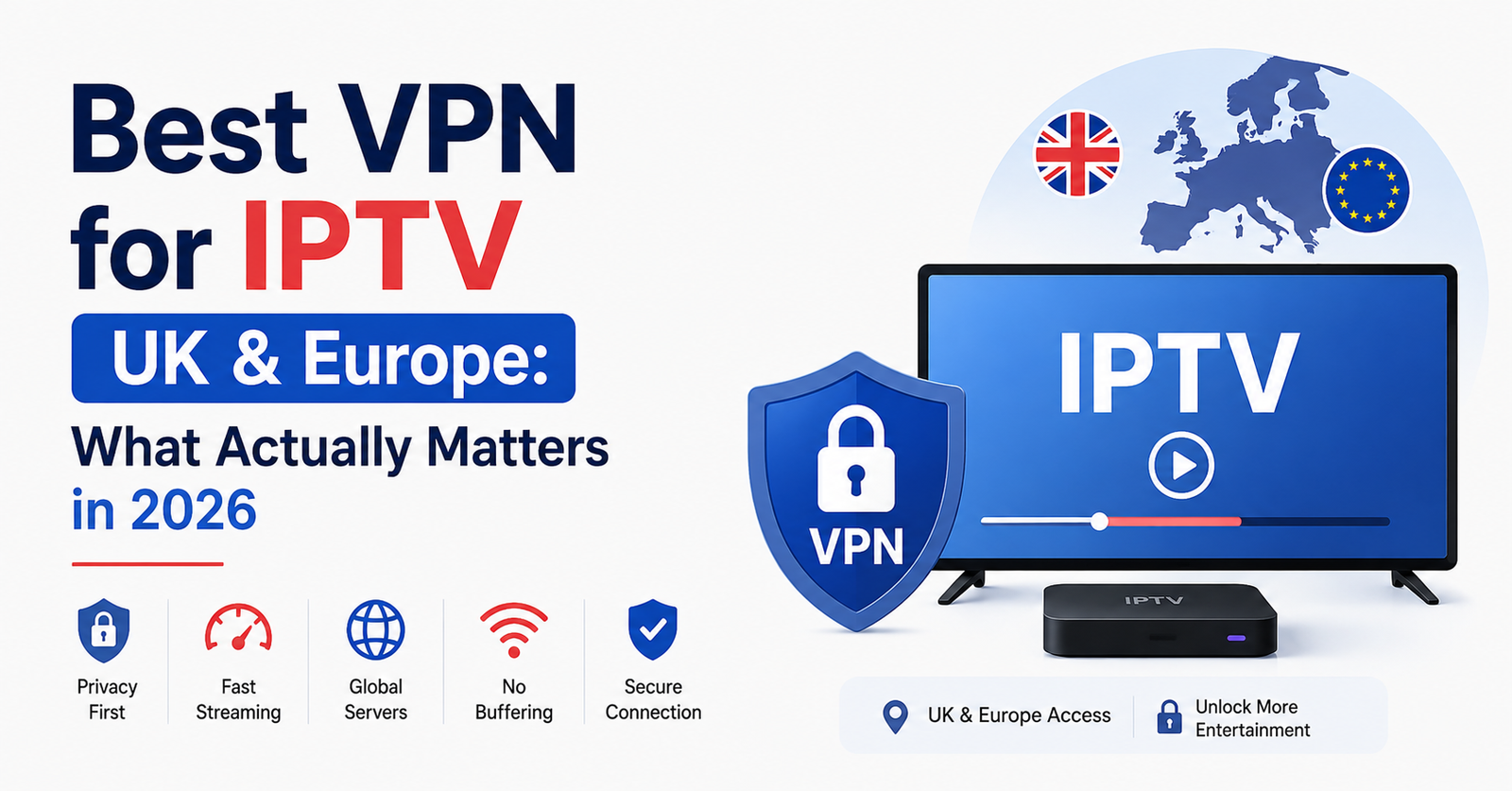
Best VPN for IPTV UK & Europe: What Actually Matters in 2026
The best VPN for IPTV UK & Europe is the one that gives you a stable, encrypted connection without slowing your stream down, not the one with the loudest advertising. If you’re a subscriber trying to keep your viewing private and secure on public Wi-Fi, or a reseller managing multiple customer connections, the priorities are the same: consistent speed, a no-logs policy you can actually verify, and servers close enough to your ISP’s exchange to avoid extra latency. There’s no single VPN that suits every household or every UK IPTV reseller setup, so this guide walks through what to check before you commit to one.
[ez-toc]
Why People Search for a VPN Alongside IPTV
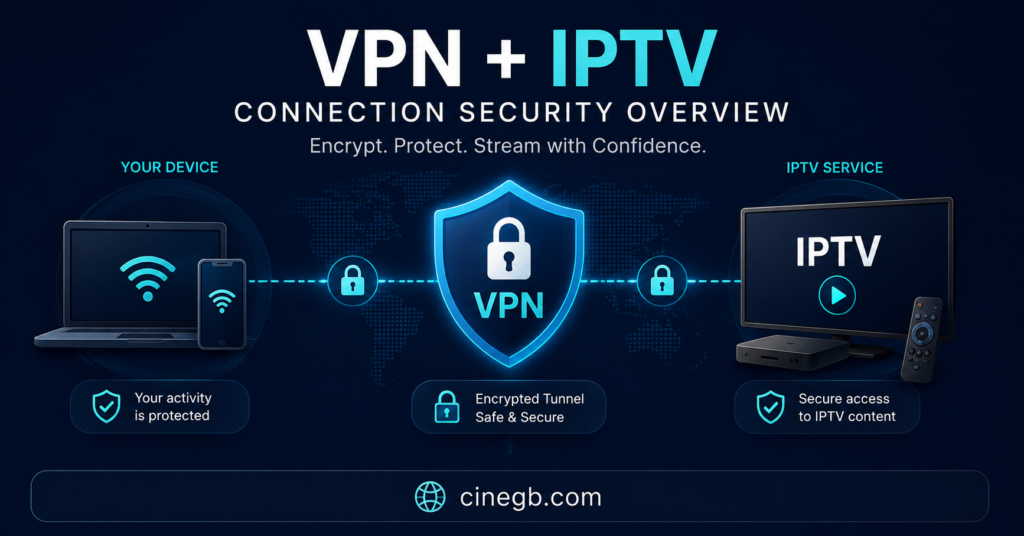
Most people looking into a VPN for IPTV aren’t trying to solve one problem. They’re usually dealing with two or three at once: worry about who can see their internet traffic, frustration when streams slow down during peak hours, and a general sense that their ISP is treating streaming traffic differently to other data. A VPN encrypts your connection between your device and the VPN server, which stops your internet provider from inspecting the contents of your traffic in detail. That’s useful for privacy, and it can help in situations where deep packet inspection (DPI) is being used to identify and throttle certain types of traffic.
What a VPN does not do is fix a poor-quality IPTV service. If the underlying stream is unstable because of weak server infrastructure or overloaded capacity on the provider’s end, routing it through a VPN adds an extra hop and can make buffering worse, not better. Understanding that distinction early saves a lot of wasted troubleshooting later.
Best VPN for IPTV UK & Europe: The Core Evaluation Criteria
When people ask about the best VPN for IPTV UK & Europe, they’re usually weighing up four things without realising it: speed, server location, logging policy, and device compatibility. Here’s how to think about each one.
Speed matters more for IPTV than for general browsing because streaming is continuous and sensitive to jitter, not just average bandwidth. A VPN that tests well on a simple speed test can still introduce stutter on a live stream if its routing isn’t optimised for sustained connections.
Server location affects latency. If you’re in the UK and connect through a VPN server based in another region, your traffic takes a longer path before it even reaches the streaming server, which adds delay. For most UK and EU subscribers, sticking to a nearby server region, when the VPN provider offers one, keeps that added latency to a minimum.
A logging policy is only as good as its verification. Marketing pages routinely claim “no logs” without any independent audit behind the claim. Where a provider has published a third-party audit report or operates under a jurisdiction with clear data protection obligations, that’s a stronger signal than the claim alone.
Pro tip: Before subscribing to any VPN, check whether the provider publishes an independent audit of its no-logs claim rather than relying on the claim in isolation.
Privacy and Security: What a VPN Realistically Changes
A VPN protects the link between your device and the VPN server. It doesn’t make you anonymous online, and it doesn’t change what a streaming app or IPTV reseller panel can see once your traffic reaches its destination. What it reliably does is stop your home ISP or anyone monitoring your local network, such as on shared or public Wi-Fi, from reading the contents of your traffic.
For families streaming at home, this mostly matters on shared networks, like a hotel or a café, where other users could otherwise attempt to intercept unencrypted traffic. For resellers managing multiple customer connections from a laptop or panel dashboard, it adds a layer of protection around account credentials and admin access, which matters more the larger the customer base grows.
Two features are worth checking specifically:
- A kill switch, which cuts your internet connection if the VPN drops, rather than silently reverting to your unprotected connection.
- DNS leak protection, which stops your DNS requests from being visible outside the encrypted tunnel even while the VPN is technically connected.
Neither feature guarantees flawless protection, but their absence is a clear warning sign in a provider’s setup.
How ISP Throttling and DPI Actually Work
ISP throttling isn’t always intentional targeting of streaming services specifically. Sometimes it’s general network management during busy periods, where certain traffic types get deprioritised across the whole network, not just yours. Deep packet inspection allows an ISP to identify traffic patterns, including the kind associated with continuous video streams, even without reading the actual content.
A VPN encrypts the traffic pattern enough that basic DPI has a harder time identifying it as streaming specifically, which can, in some cases, reduce throttling. This isn’t guaranteed. Some ISPs use broader network-wide congestion management that isn’t tied to traffic type at all, and a VPN won’t change that. If your stream slows down consistently at the same time every evening, congestion management is at least as likely an explanation as targeted throttling.
Subscriber Guidance: What Actually Improves Your Streaming
For a subscriber watching at home, the VPN decision usually comes down to three practical questions. Does it support the app or device you actually use, whether that’s a Firestick, Smart TV, or mobile app? Does it maintain a stable connection over long viewing sessions rather than dropping intermittently? And does the pricing structure make sense for how often you’ll actually use it?
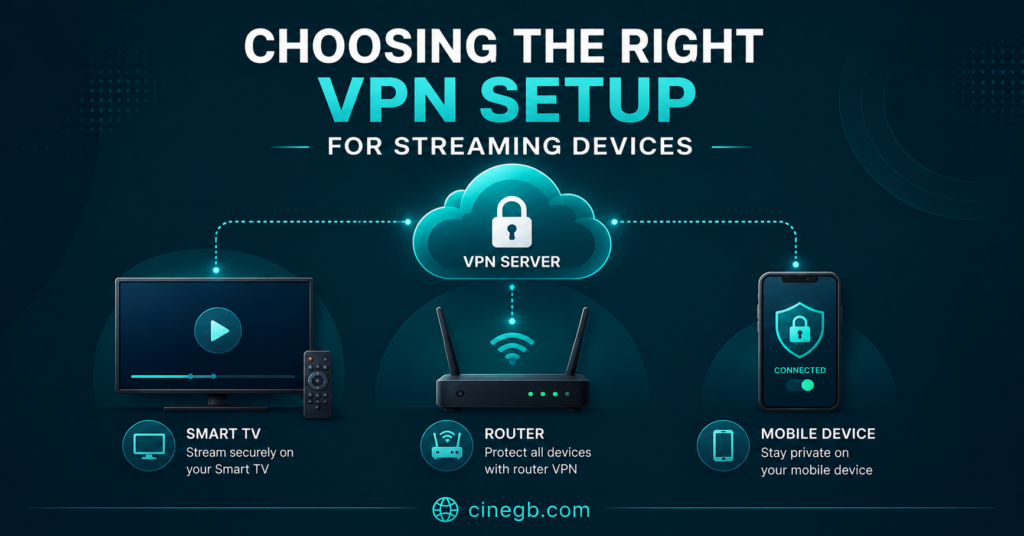
Device support is often the deciding factor in practice. Some VPN providers offer dedicated Firestick or Android TV apps, while others require router-level configuration to cover smart TV apps that don’t support VPN clients directly. If most of your viewing happens on a Smart TV app rather than a Firestick, router-level VPN setup is usually the more reliable route, though it’s a more technical process to configure.
Refund terms and trial periods are worth checking too, in the same way you’d check them for the underlying IPTV subscription itself. A provider like Skip This should be evaluated on transparency around pricing, device support, and refund conditions in exactly the same way as any other option, rather than assumed to be more reliable simply because it’s better known.
Reseller Guidance: Managing Multiple Connections Securely
For an IPTV reseller managing customer panels and dashboards, the priorities shift slightly. Account security becomes more important than for a single household subscriber, because a compromised login can affect an entire customer base rather than one household’s viewing. A VPN with a reliable kill switch reduces the window in which panel credentials could be exposed if the connection drops mid-session.
Documentation also matters here. If you’re training sub-resellers or support staff on how to access panel dashboards securely, having a written, repeatable process for VPN connection and login reduces the chance of mistakes when someone new joins the operation. This is separate from, and doesn’t replace, whatever access controls the panel software itself provides.
Pro tip: Set up VPN access on the device level for anyone with panel admin rights, not just at the router level, so credentials are protected even when working from a shared office network.
Comparing Setup Approaches
There isn’t one correct way to combine a VPN with IPTV viewing. The right setup depends on your device mix and how technical you’re comfortable being.
| Setup | Best for | Limitation |
|---|---|---|
| VPN app on device | Firestick, Android TV box, mobile | Needs a native app; not all devices are supported |
| Router-level VPN | Smart TVs without native app support | More technical setup; covers the whole household network |
| Split tunnelling | Resellers who need some traffic protected, not all | Not supported by every VPN provider or app |
Common Mistakes People Make When Choosing a VPN for IPTV
A recurring mistake is picking the cheapest available plan without checking whether the provider has a genuinely nearby server for UK or EU traffic. A budget price with no local server option often ends up costing more in buffering and frustration than a slightly pricier plan with better regional coverage.
Another common mistake is assuming a VPN will fix an underlying IPTV service problem. If channels are already dropping or freezing without a VPN active, adding one rarely helps and can introduce a new point of failure. It’s worth isolating the cause first, testing the stream without a VPN, before assuming the VPN is the answer.
A third mistake, particularly among resellers, is sharing a single VPN account across many devices without checking the provider’s simultaneous connection limit. Exceeding that limit typically causes the VPN itself to disconnect unpredictably, which then gets misdiagnosed as an IPTV service fault.
Pro tip: If a stream buffers with and without a VPN active, the cause is more likely the IPTV service’s server capacity than anything the VPN can influence.
For general reading on how IPTV subscriptions and reseller panels work day to day, the guides section covers setup and troubleshooting topics beyond VPN configuration specifically, and the reseller panel overview explains how credit-based panels operate for anyone managing customer accounts.
Legality and Rights: What a VPN Does Not Change
A VPN changes how your traffic is routed and encrypted. It has no effect on the underlying legality of the content being streamed, and it doesn’t turn an unlicensed service into a licensed one. IPTV itself is simply a delivery technology, the same way broadcast or cable is a delivery technology. Whether a specific service is operating with proper content rights depends entirely on that provider’s own licensing arrangements, not on whether a VPN sits between you and it.
If you’re evaluating an IPTV subscription, whether from Skip This or any other provider, it’s worth checking their published terms, refund policy, and business transparency directly, rather than treating a professional-looking website or accepted payment method as proof that content rights are in order. The pricing page and terms of service are the kind of pages worth reading before committing to any plan.
Setting Realistic Expectations
No VPN eliminates buffering entirely, and no VPN turns a congested network into an uncongested one. What a good VPN choice realistically delivers is a private, encrypted connection, reduced exposure on shared networks, and, in some cases, less interference from traffic-type-based throttling. Anything beyond that, guaranteed speed increases or promises of buffer-free streaming, isn’t something a VPN provider can honestly claim, because too much depends on your own ISP, your local network, and the IPTV service itself.
Frequently Asked Questions
Does a VPN make IPTV streaming faster?
Not usually. A VPN adds an extra step in your connection path, so it can add slight latency rather than reduce it. In situations where an ISP is throttling streaming traffic specifically, a VPN may reduce that throttling, but it won’t increase your baseline internet speed.
Do I need a VPN to use IPTV?
No. A VPN is optional and mainly relevant for privacy, security on shared networks, and reducing the effect of traffic-type throttling. It isn’t a requirement for using an IPTV subscription or reseller panel.
Can a VPN fix constant buffering on my IPTV service?
Sometimes, if the cause is ISP-side throttling. If the buffering happens consistently regardless of a VPN being active, the more likely cause is server capacity or connection quality on the IPTV provider’s side.
Which devices support VPN apps for streaming?
Firestick, Android TV boxes, and mobile devices generally support dedicated VPN apps. Many Smart TVs don’t support VPN apps natively and require router-level VPN configuration instead.
Is it legal to use a VPN with IPTV in the UK and Europe?
Using a VPN itself is legal in the UK and across most of Europe. What matters for legality is the licensing status of the underlying IPTV content, which a VPN has no effect on.
How many devices can I connect through one VPN account?
This varies by provider and plan, and it’s worth checking the simultaneous connection limit before use, particularly for resellers managing several devices or staff accounts at once.
Conclusion
There’s no single answer to what makes the best VPN for IPTV UK & Europe, because the right choice depends on your devices, how many connections you need, and whether privacy or throttling avoidance is the bigger priority for you. What holds true across most setups is that speed near your own region, a verifiable logging policy, and solid device support matter more than any single marketing claim. A VPN won’t fix a poor-quality stream on its own, and it doesn’t change the licensing status of any IPTV content you watch. Start by identifying which of your problems, privacy, throttling, or shared-network security, you’re actually trying to solve, then test a provider against that specific need before committing to a longer plan.
Decision Checklist
- Confirm the VPN has a server region near the UK or EU location you’ll be streaming from
- Check whether the provider publishes an independent audit of its no-logs claim
- Verify kill switch and DNS leak protection are included, not optional add-ons
- Test device compatibility for your actual setup, Firestick, Smart TV, or router-level
- Check the simultaneous connection limit if multiple devices or staff will use one account
- Review refund terms and trial length before committing to a longer subscription
- Test your IPTV stream without the VPN first to isolate whether buffering is VPN-related or provider-related