Contact Us

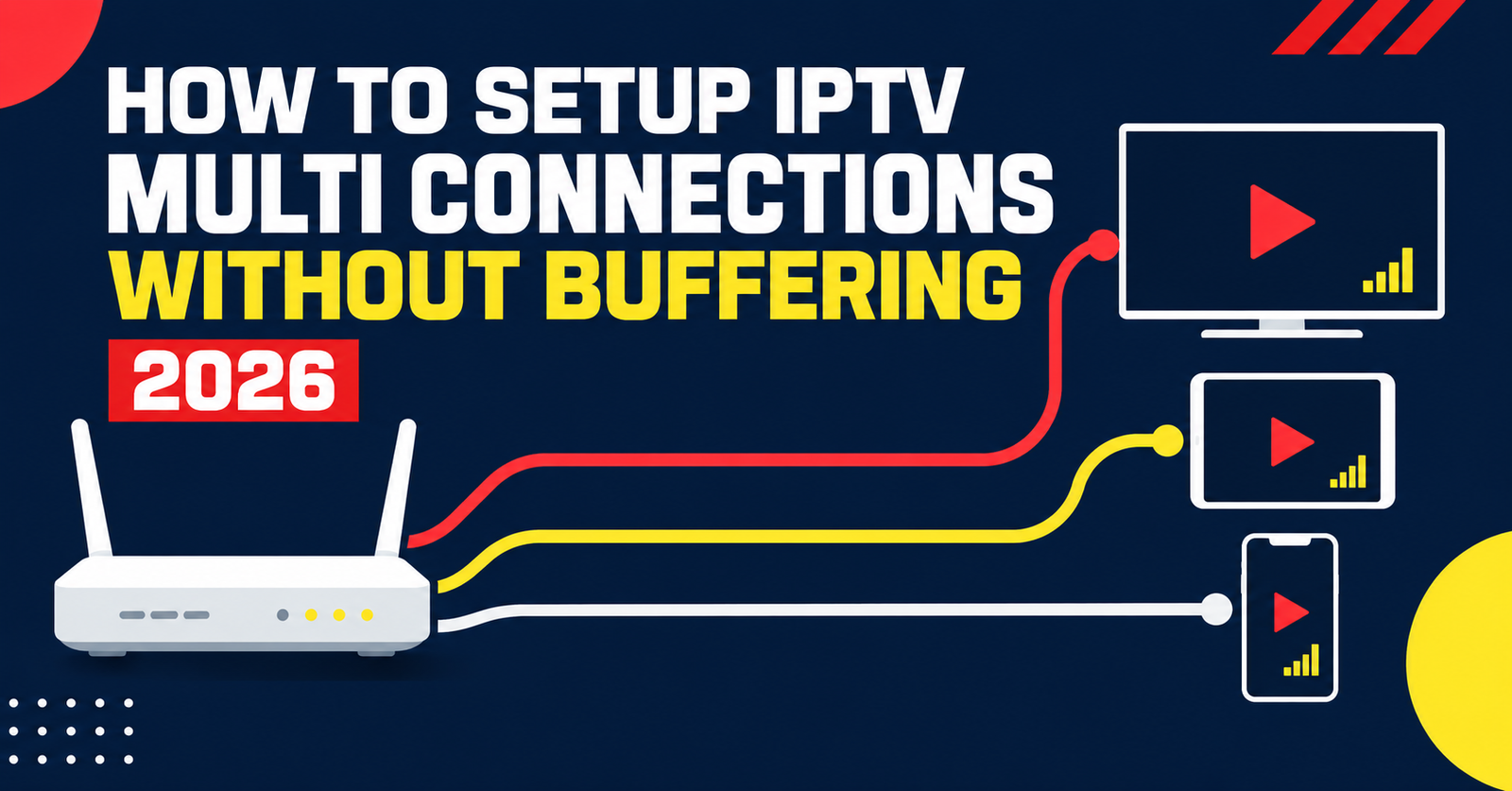
How to Setup IPTV Multi Connections Without Buffering 2026
IPTV Multi Connections is the term for how many devices can stream the same subscription at once, and most of the confusion around it comes down to one thing: a connection means an active stream, not a registered device. A household with four Smart TVs but only two people watching at any given time doesn’t need four connections, it needs two that behave properly under load. Get that number wrong in either direction and you either pay for capacity nobody uses or spend every Saturday afternoon watching a spinning wheel while someone else in the house tries to watch something different.
What Actually Counts As One Connection
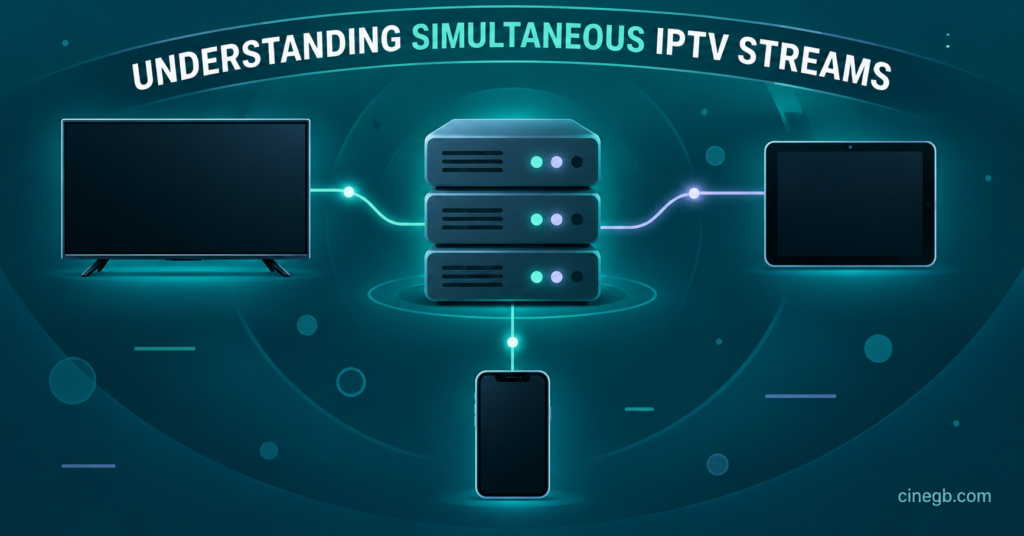
A connection is a live stream, full stop. It doesn’t matter whether that stream is coming from a Firestick in the living room, a phone in the kitchen, or a laptop upstairs. The moment a device pulls a stream and starts playing, it occupies one connection slot. Turn that device off, or close the app, and the slot frees up for something else to use.
This trips people up because IPTV reseller panels and apps often let you install the same login on an unlimited number of devices. Installing the app on five phones costs nothing extra. The limit only bites when more than the permitted number try to play something at the same time. A common mistake is assuming the number on the plan refers to devices owned, when it actually refers to devices playing simultaneously.
How Many IPTV Multi Connections a Household Actually Needs
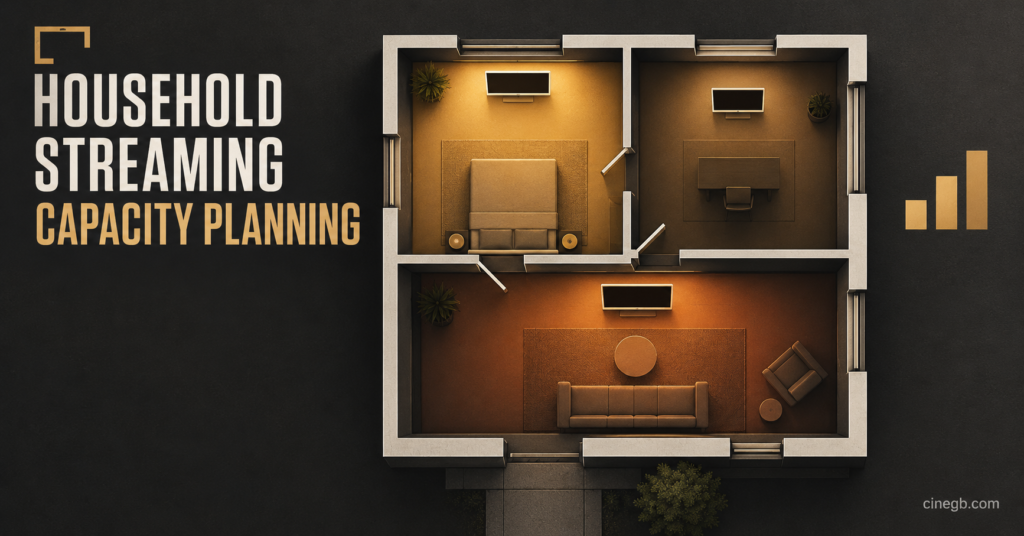
The honest answer depends on how many people in the house tend to watch different things at the same time, not how many screens exist. A single person living alone rarely needs more than one active stream. A couple who occasionally split up to watch separate programmes benefits from two. Families where kids and adults want different content on different rooms, at the same time, usually need three or more to avoid arguments over who gets kicked off.
| Household pattern | Realistic connection need |
|---|---|
| Single viewer, one main screen | 1 connection |
| Couple, occasional separate viewing | 2 connections |
| Family with kids on separate devices | 3 to 4 connections |
| Shared household or small office | 4 or more, sized to actual overlap |
It’s worth being honest with yourself here rather than buying the biggest package on offer. Extra connections you never use don’t improve picture quality or reliability, they just sit idle on the account.
Why Providers Cap Simultaneous Streams in the First Place
This isn’t an arbitrary restriction designed to squeeze more money out of subscribers, even though it can feel that way. Every simultaneous stream draws bandwidth from the server delivering it, and infrastructure has to be sized to cope with peak demand across every account it serves. A provider that let every account run unlimited simultaneous streams would either need to massively overbuild its server capacity, passing that cost on, or accept degraded performance for everyone during peak hours.
Connection limits are, in effect, a fairness mechanism. They stop one household’s excessive concurrent usage from degrading the experience of every other subscriber sharing the same server region. When a plan is genuinely undersized for how a household actually watches, the fix is upgrading the connection count, not blaming the provider’s infrastructure.
Pro tip: If you’re regularly hitting your limit during evening peak hours specifically, that’s usually a genuine capacity issue rather than a fault. Upgrading the connection count solves it far more reliably than restarting apps or routers.
Signs You’ve Actually Hit Your Connection Limit
Buffering alone doesn’t mean you’ve exceeded your connections, it’s usually caused by something else entirely, like local WiFi congestion or an underpowered streaming box. The clearer signal is a specific error message, often something like “maximum connections reached” or a stream that simply refuses to start while another device is already playing. Some apps display this plainly, others just show a generic playback error, which is why it’s worth checking whether the issue disappears the moment another device stops streaming.
If closing one active stream immediately allows a new one to start, that’s a connection limit, not a technical fault. If the problem persists even with only one device playing, the cause lies elsewhere.
Multi Connection Considerations for Resellers
Anyone running a reseller panel will recognise this as one of the most common support messages: a customer insists their service is “broken” when they’ve simply exceeded what their package allows. Setting expectations at the point of sale saves a disproportionate amount of support time later. Explaining, in plain terms, that a connection means simultaneous streams rather than installed devices, prevents most of these tickets before they happen.
Reseller margins on multi connection packages tend to be healthier than single connection accounts, since the marginal server cost per additional stream is lower than the retail price increase customers are usually willing to pay for the convenience. That said, oversubscribing entry level packages to households that clearly need more streams than they’ve paid for tends to generate refund requests and negative reviews rather than upsells, so it pays to ask new customers directly how many people in the house will be watching before recommending a tier.
For resellers working out which credit tiers to stock, it’s worth reviewing IPTV reseller panel setups that separate connection tiers clearly, since panels that bury this detail in fine print generate more support disputes than ones that state it upfront.
Common Mistakes People Make With Shared Connections
The most frequent mistake is sharing login details with people outside the household on the assumption that “it’s just one more person.” Every additional person who streams independently consumes a connection slot exactly the same as a household member would, and once too many people share one login, everyone experiences the same intermittent kick offs and buffering.
A second mistake is confusing connection count with device compatibility. Buying a two connection plan and installing the service on eight devices is fine, technically, right up until three people try to watch different things at once and only two of them succeed. The third mistake, more subtle, is assuming a higher connection count fixes poor picture quality. It doesn’t. Connections control how many streams can run simultaneously, not the resolution or stability of any individual stream.
Pro tip: Before assuming you need more connections, check whether the actual complaint is buffering during playback rather than being unable to start a stream at all. These are different problems with different fixes.
Choosing the Right Plan Without Overpaying
Working out the right number isn’t about guessing, it’s about counting realistic overlap. Sit down and think about a genuinely busy evening, not an average one. If the answer is that two people occasionally watch separate things while a third is on a laptop doing something else entirely, that’s three connections used at once, and a two connection plan will disappoint every time it happens.
It also helps to think about growth. A household that’s about to have a second person move in, or a small business about to add a second till point running background content, is better served buying slightly ahead of current need than upgrading twice in three months. For a wider comparison of plan sizes and what’s typically included, the subscription options for UK and European viewers cover how connection tiers usually scale alongside price.
IPTV Multi Connections and Device Apps
The apps used to watch also matter here, though people rarely connect the two. Some apps handle disconnection gracefully, quietly queuing or prompting when a limit is hit. Others crash or freeze without explanation, making a simple connection limit look like a broken subscription. Checking device apps and setup guides for the specific hardware in use, whether that’s a Firestick, a Smart TV app, or a set top box, often clears up confusion that has nothing to do with the plan itself and everything to do with how a particular app reports errors.
IPTV Multi Connections FAQ
Does installing the app on more devices use up connections?
No. Installing the app costs nothing in terms of connection allowance. Only devices actively streaming at the same moment count towards the limit.
Can I upgrade my connection count without changing my whole plan?
Most providers allow a connection upgrade on the same subscription length without requiring a full new order, though the exact process varies, so it’s worth asking support directly rather than assuming.
Will more connections improve buffering on a single device?
No. Buffering on one device is almost always a local issue, such as WiFi strength or an ageing streaming box, rather than something extra connections would fix.
Is it against the rules to share a connection slot with someone outside my household?
Terms vary by provider, but sharing beyond the paid allowance typically breaches the account terms and risks suspension if usage patterns look abnormal for a personal subscription.
How do I know how many connections my current plan includes?
This is usually stated on the order confirmation or account panel. If it isn’t obvious, ask support directly rather than assuming based on the price paid.
Multi Connection Checklist
- Count how many people realistically stream at the same time during peak hours, not how many devices exist in the house
- Check whether error messages mention a connection limit specifically, rather than assuming general buffering means the same thing
- Confirm the exact connection count included before renewing, rather than assuming it matches a previous plan
- Test whether closing one stream immediately frees up another, to confirm the cause before requesting an upgrade
- Avoid sharing login details outside the household, since it consumes the same connection slots as genuine use
- Ask about upgrade options before switching IPTV reseller panel providers entirely if the only issue is needing more simultaneous streams
IPTV Multi Connections ultimately comes down to matching a number to genuine viewing overlap rather than guessing based on device count or price alone. Most buffering complaints blamed on “too few connections” turn out to be something else entirely, while genuine limit issues are usually easy to spot once you know what a real connection error looks like. Work out how many streams actually run at once during a busy evening, check that number against the current plan, and adjust from there rather than assuming bigger is automatically better.