Contact Us

IPTV Free Trial Checklist: What to Check First in 2026
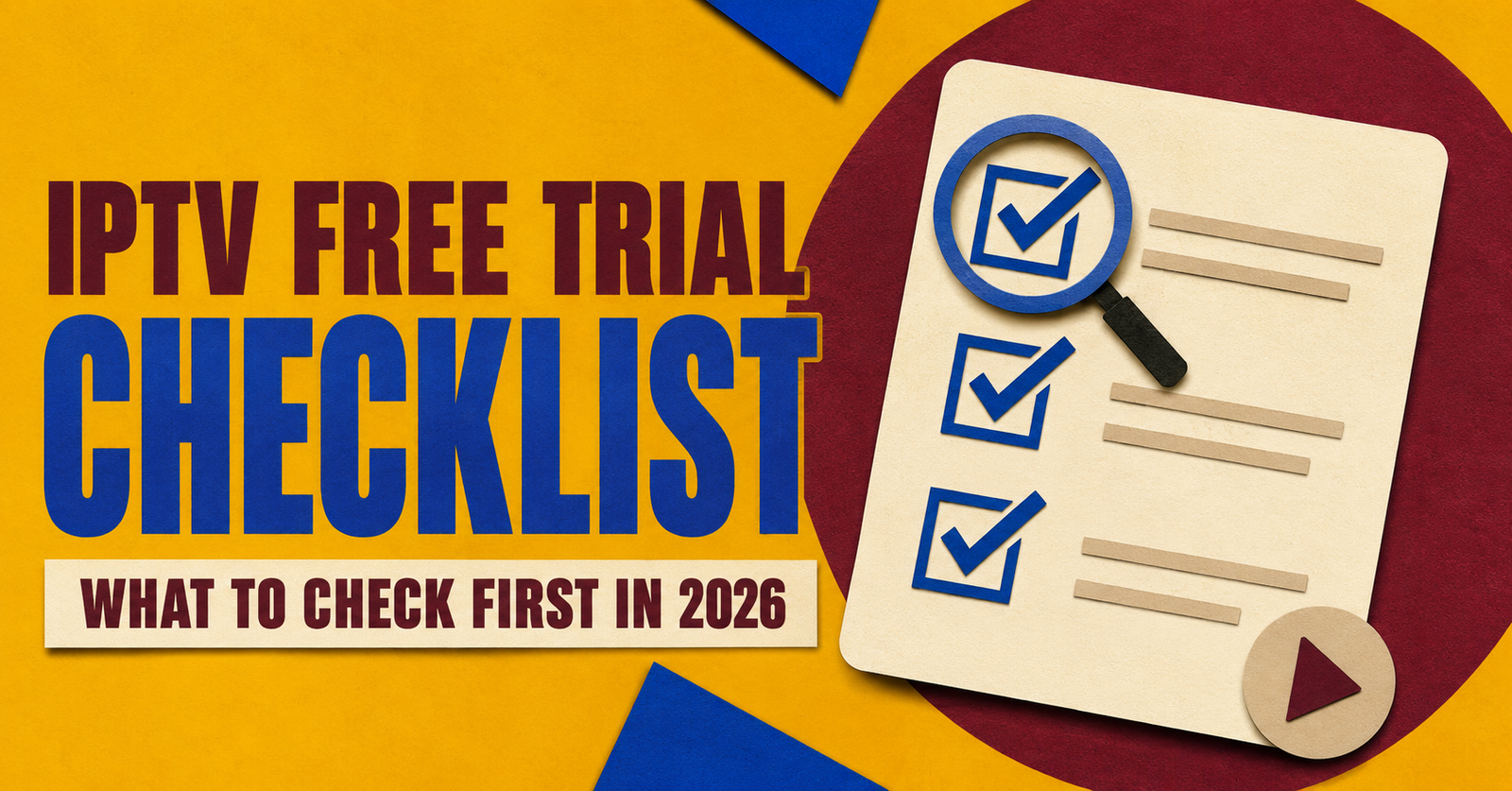
An IPTV Free Trial Checklist is the fastest way to work out whether a service is worth paying for, because most trial windows only last a few hours and there is not much room for guesswork. A trial that just “turns on” and plays something tells you almost nothing. What actually matters is whether the stream holds up during busy hours, whether the app behaves properly on your device, and whether anyone answers when something goes wrong.
What a Free IPTV Trial Is Actually Testing
A trial is not really about proving that IPTV works as a concept. It is about proving that one particular provider’s setup works on your line, your router, and your device. Two households on the same street can get very different results from the same service, depending on their internet connection and the app they use. That is why the checklist below focuses on your own conditions rather than general claims about the service.
Most short IPTV panels trials are limited on purpose, so providers can control demand and support load. That is a fair business reason, but it also means you need to use the time deliberately instead of leaving it running in the background and assuming everything is fine.
Before You Request the Trial
A few minutes of preparation makes the test far more useful.
- Have the exact device ready that you plan to actually use day to day, not a spare one that happens to be lying around.
- Check your internet speed at the time of day you normally watch television, since evening peak hours behave very differently from a quiet Tuesday afternoon.
- Download the recommended app before the trial starts, so activation time is not wasted on installing software.
- Write down how the provider says activation will work, including whether it is instant or takes a few minutes, so you know what to expect.
Pro tip: Test on the same Wi-Fi band your TV normally uses. A phone on 5GHz next to a TV stuck on an older 2.4GHz connection will give you a misleadingly good result.
IPTV Free Trial Checklist for the First Viewing Session
Once the trial is active, work through it methodically rather than just flicking channels for a minute and closing the app.
- Watch a live channel for at least fifteen continuous minutes during an evening slot, not just a quick five second check.
- Switch between a handful of different channel types, since general entertainment channels often perform better than niche or high bitrate ones.
- Open the electronic programme guide and confirm the listings are current and match what is actually airing.
- Try a piece of video on demand content and note how quickly it loads and whether playback is smooth throughout.
- Log in from a second device if you are allowed to, since some services throttle badly the moment more than one screen is active.
- Pause, rewind, and resume a stream if the app supports it, because this is where weaker backends often stumble.
Signs Worth Paying Attention To
| What you notice | What it usually means |
|---|---|
| Consistent picture quality across different channel types | Reasonably solid server infrastructure |
| Buffering that only appears after 8pm | Capacity struggling under peak demand |
| EPG data that is missing or several hours out | Poor ongoing maintenance of the service |
| Fast, specific replies to setup questions | A support team that actually understands the product |
| Vague answers about pricing or contract length | Worth treating with caution before paying |
Warning Signs That Predict Problems After You Subscribe
Some issues during a trial are minor and forgivable. Others tend to repeat and get worse once you are a paying customer.
Pushy upselling before you have even finished testing is a common one. If a trial conversation turns into repeated messages pressuring you to pay before the trial period is even over, that pressure rarely disappears after you subscribe. Equally, a provider that cannot give you a straight answer about pricing, refund terms, or how many devices are included is signalling that those terms may shift later.
Watch out too for a free trial with no defined length at all. A genuine trial usually has a clear start and end point, even if it is short. Open ended access with no expectations set either way can be a sign the provider has not really thought through their own onboarding process.
Pro tip: Ask one direct support question during the trial, something specific like what happens if a device stops working after activation. The quality and speed of that single answer often tells you more than the stream quality does.
Trialling a Reseller Panel Rather Than a Personal Subscription
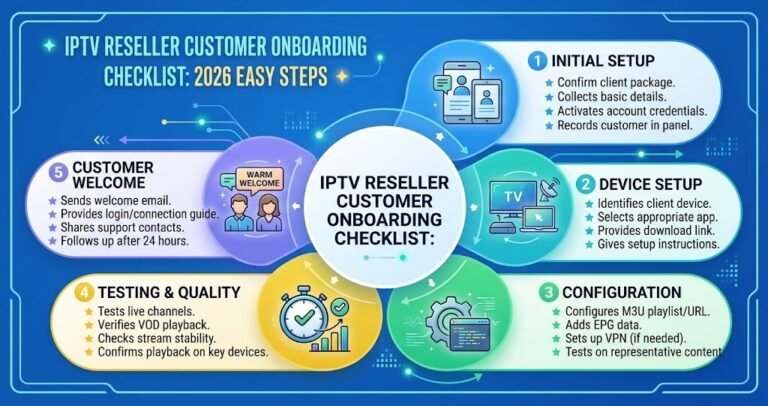
If you are evaluating this as someone who wants to sell subscriptions rather than watch them yourself, the checklist shifts slightly. A demo IPTV reseller panel should let you see how quickly you can create a test customer account, how the credit system is structured, and whether pricing controls are clear enough for you to set your own margins with confidence.
- Create at least one test customer login and confirm activation is genuinely fast, not just fast when the provider does it themselves.
- Check whether credits expire and how the top up process actually works before you commit any money.
- Ask what support responsibility falls on you as a reseller versus what the panel provider still handles directly.
Common Mistakes People Make During a Trial
Testing only during a quiet part of the day is probably the single biggest mistake, since it hides exactly the peak time problems you are trying to catch. Sticking to one device is another, particularly if your household actually uses two or three screens regularly. Some people also skip video on demand entirely because live channels look fine, only to find the VOD library is thin or badly organised once they have already paid for a full plan.
It also helps to check current subscription pricing and supported apps and devices before the trial ends, so you are not scrambling to compare plans in the last few minutes of access.
IPTV Free Trial Checklist FAQs
How long should an IPTV free trial actually last?
There is no fixed industry standard. Some providers offer a few hours, others extend to a full day. What matters more than the exact length is whether you can genuinely test peak time performance within that window.
Do I need to give payment details for a real free trial?
A trial described as free should not require card details upfront. If payment information is requested before any content is delivered, that is worth questioning directly with the provider.
Can I test an IPTV service on more than one device during the trial?
This depends entirely on how the provider has set up the trial. Some allow a single login across devices, others restrict it. Ask before you start so you are not surprised partway through.
What if the live channels look fine but the video on demand library seems thin?
That is a genuine finding, not something to overlook. A service that performs well on live television can still fall short on catch up and box sets, so weigh both before deciding.
Is a reseller demo panel tested differently from a personal subscription trial?
Yes. A subscriber trial is mostly about picture quality and app reliability, while a IPTV reseller Panel demo is more about account creation speed, credit handling, and how much support responsibility sits with you.
Conclusion
Working through an IPTV Free Trial Checklist properly takes a bit more effort than just opening an app and watching whatever loads first, but it is the only reliable way to know what you are actually paying for once the trial ends. Test during busy hours, try more than one type of content, ask at least one direct support question, and pay attention to how clearly pricing and terms are explained. If those basics hold up, you have a genuinely useful trial rather than a rushed first impression, and you can review the available guides for more detail on setup and troubleshooting once you have decided to move ahead.
Pre-Purchase Checklist
- Test the stream during an evening peak time, not just during a quiet part of the day
- Try at least two different channel types and one video on demand title
- Confirm the electronic programme guide is current and accurate
- Log in from a second device if permitted, to check for throttling
- Ask one direct support question and note the response time and clarity
- Get a straight answer on pricing, device limits, and refund terms before paying
- For resellers, create a test customer account and check how credits and top ups work